Full article
Full text of the AI BriefWire opinion piece.
Article section
Over the past year, AI-powered development tools have evolved from simple code assistants into capable engineering partners. As a result, the choice of development environment has become more important than ever.
Article section
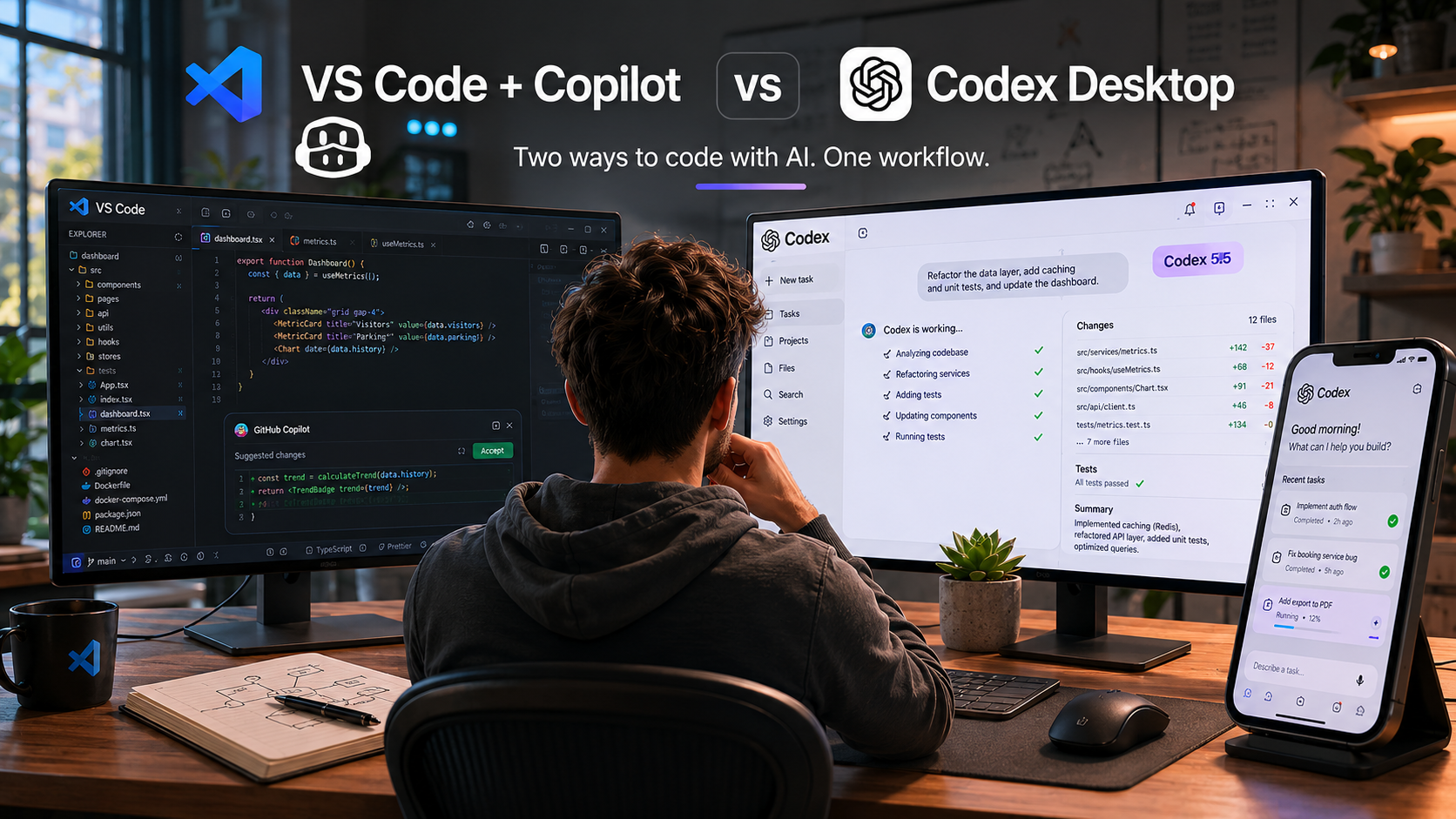
In my daily work, I regularly switch between two different approaches:
Article section
• VS Code with GitHub Copilot and Agent Mode
Article section
• Codex Desktop powered by the latest Codex model
Article section
Both tools help developers write, understand, and modify code with AI. However, the experience of using them is surprisingly different.
Article section
Let's start with VS Code.
Article section
Despite the growing number of AI-first development tools, VS Code remains one of the strongest options available today. It is free, familiar to millions of developers, and supported by one of the largest extension ecosystems in the software industry.
Article section
Within a single environment, developers have access to:
Article section
Git and GitHub integration
Docker tools
Database extensions
SSH connectivity
Debugging and testing tools
Thousands of community extensions
GitHub Copilot and Agent Mode
Article section
For many projects, this combination is more than enough. VS Code is not only a code editor—it is a complete development platform.
Article section
However, over the past few months, I have noticed myself opening Codex Desktop more and more often.
Article section
The reason is simple: Codex was designed around the idea that AI is not just an assistant but an active participant in the development process.
Article section
While VS Code integrates AI into an existing workflow, Codex places AI at the center of the workflow.
Article section
This difference becomes particularly noticeable when working on larger projects.
Article section
Tasks such as:
Article section
Analyzing large codebases
Refactoring multiple modules
Investigating difficult bugs
Implementing complex new features
Coordinating multi-step changes
Article section
often feel more natural inside Codex.
Article section
In many situations, Codex requires fewer prompts, fewer corrections, and less context management from the developer. It often understands the broader objective and maintains focus throughout longer engineering tasks.
Article section
Another important factor is access to the latest Codex models. Improvements in reasoning, planning, and code understanding are becoming increasingly noticeable as coding agents mature.
Article section
That said, I have not replaced VS Code.
Article section
In fact, my current workflow relies on both tools.
Article section
VS Code remains my primary environment for infrastructure work, Docker management, Git operations, debugging, testing, and everyday software engineering.
Article section
Codex Desktop has increasingly become my preferred environment for exploring ideas, implementing larger features, and collaborating with an AI agent on complex development tasks.
Article section
Recently, the Codex ecosystem expanded even further with the introduction of Mobile Codex.
Article section
The ability to monitor tasks, review progress, and interact with coding agents directly from a smartphone opens entirely new workflows. Development is no longer tied to a desk, making it possible to stay connected to projects from virtually anywhere.
Article section
If someone asked me to choose only one tool today, the answer would not be straightforward.
Article section
VS Code remains the most mature and versatile development platform available. Its ecosystem, flexibility, and integrations are difficult to match.
Article section
At the same time, Codex represents something different. It feels less like a traditional IDE and more like the next step in AI-native software development.
Article section
That is why, despite continuing to use VS Code every day, I increasingly find myself launching Codex Desktop first.
Article section
Perhaps the best way to describe the difference is this:
Article section
VS Code is an excellent editor with AI.
Article section
Codex is AI that happens to write software.